Made for dark cinemas
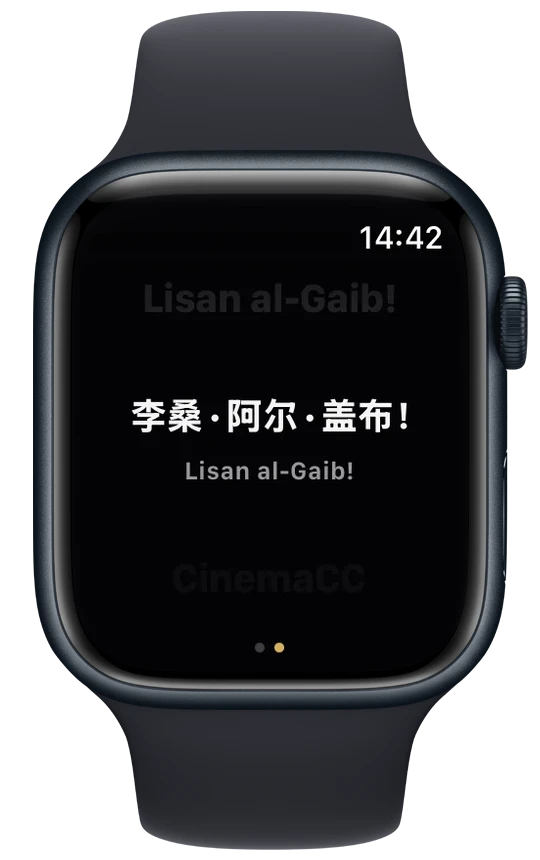
Almost the entire screen stays black. On OLED, black pixels stay off—so you can read without lighting up the row.
Read subtitles on your phone while the film plays on another screenChoose one or two subtitle languages. Read on your phone, Apple Watch or compatible glasses.
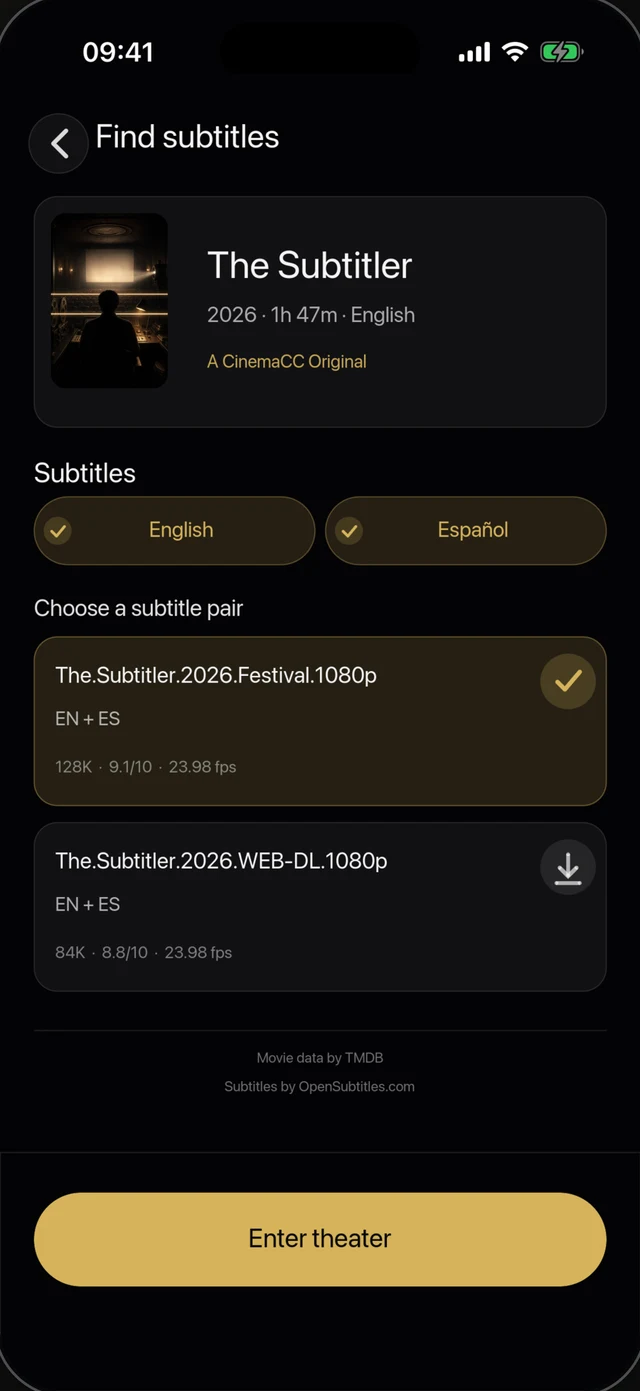
Search by movie and language in the native app, or bring one or two SRT files.
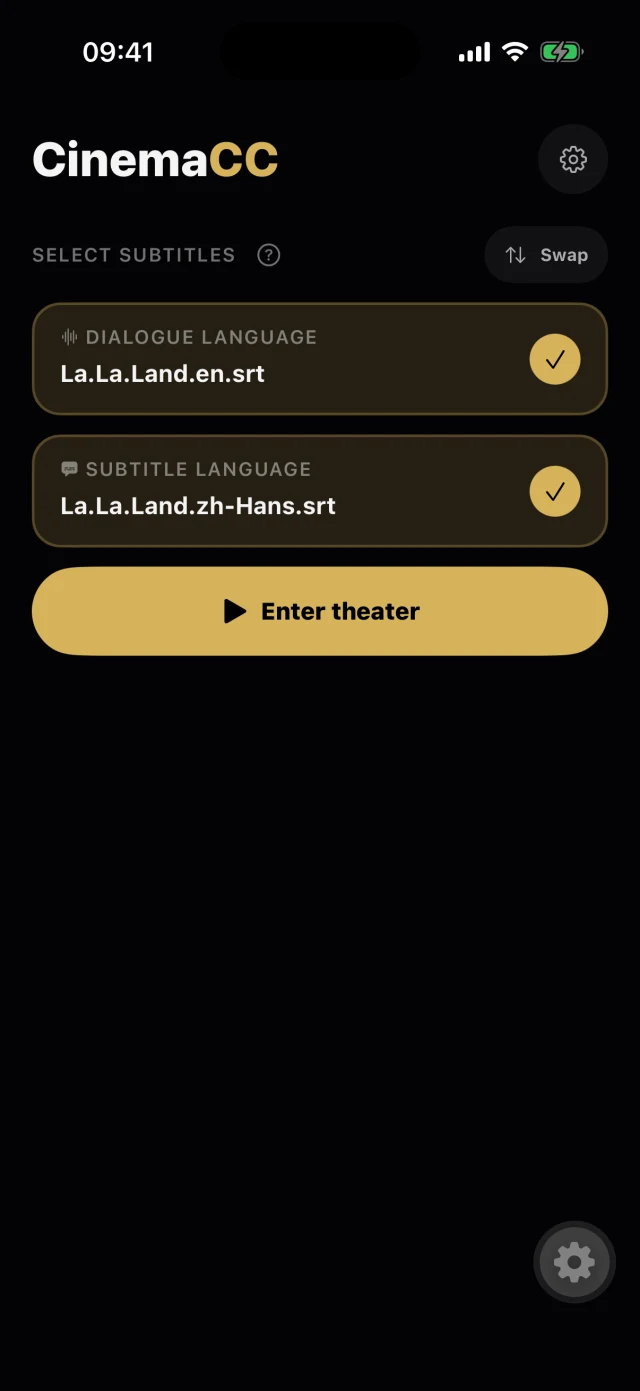
The native player opens paused. Press Play at the film’s first frame.
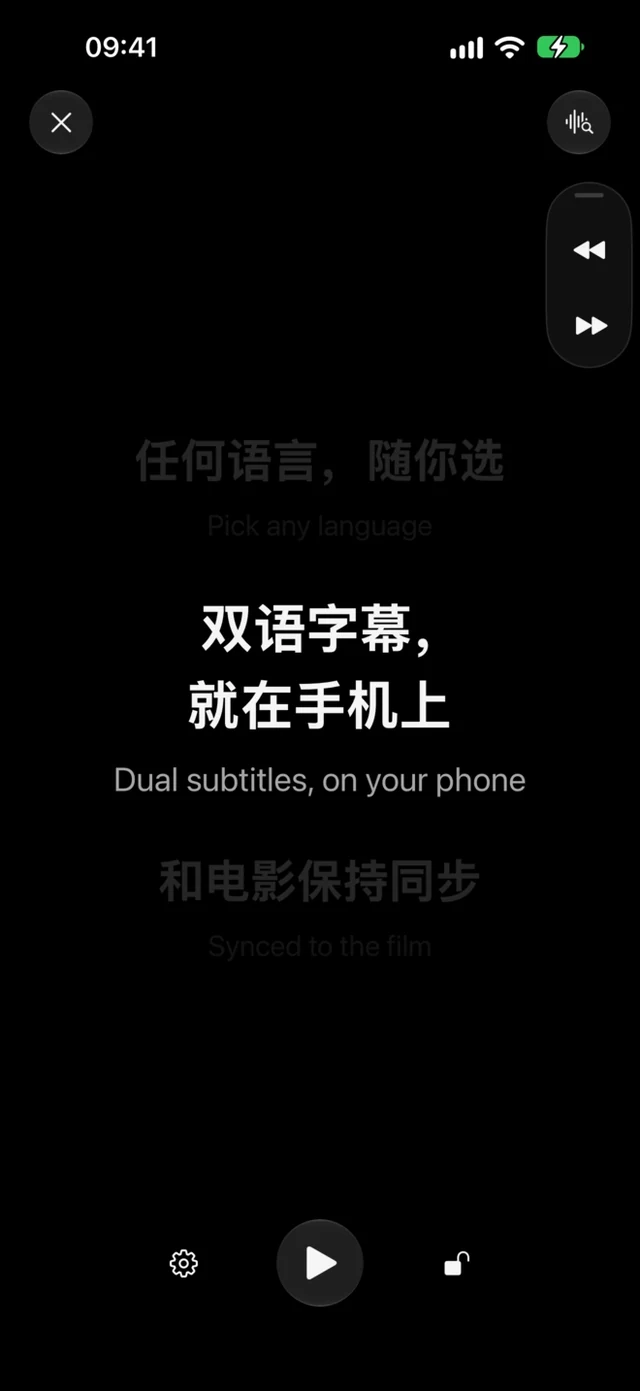
One or two subtitle tracks scroll in time on a mostly black screen.
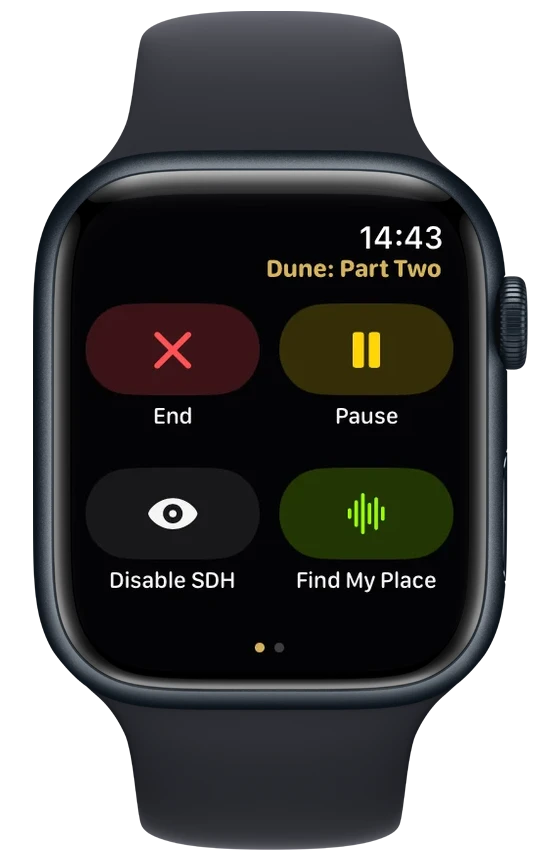
Find My Place
Start Find My Place to match a short on-device sample against English or French dialogue subtitles. It needs available speech resources and microphone permission. If there is no reliable match, use manual timing.
iPhone · Android 13+
Demo: the theater plays the Iron Man line from Avengers: Endgame. CinemaCC hears it, finds the line in your subtitle file, jumps to it, and shows Synced.
Almost the entire screen stays black. On OLED, black pixels stay off—so you can read without lighting up the row.
Find subtitles in the native app, or bring one or two SRT files you already have.
On iPhone, iPad, Apple Watch and Android, prepared playback works offline. Online search and AI translation need a connection.
There are no ads or ad tracking. OpenSubtitles sign-in is optional.
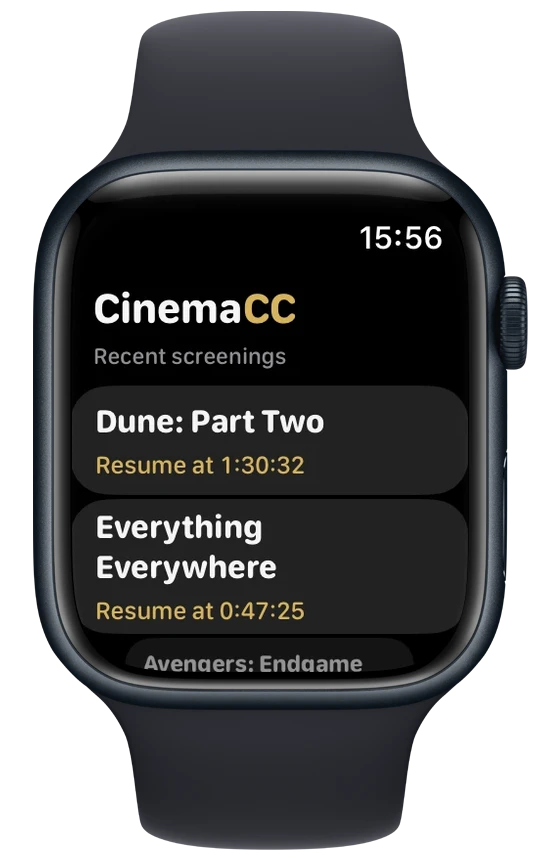
Sync once at your seat, then follow every line from your wrist. Your iPhone can stay in your pocket.

CinemaCC can show the subtitles you prepare in the lenses of your Even G2 glasses while the film plays on the big screen. Here is how to get them from your phone onto the glasses, and how to keep them in step with the picture. The phone keeps the timeline; the glasses show the current line.
How to Watch Movies with Subtitles on Even G2In the iPhone, iPad and Android apps you can search subtitles by movie and language; the results come from OpenSubtitles. You can also import SRT or ZIP files from Files, a link or another app, then give each track its role and language.
The Web player at app.cinemacc.net imports SRT files only. Whichever source you use, pick a file made for the release and cut you are about to see.
Press Play at the film’s first frame and CinemaCC keeps its own clock from there. If the words drift, the floating buttons move the subtitles back or forward, or you can browse to a line and jump to it.
On iPhone and on Android 13 or later, Find My Place listens to a few seconds of dialogue on the device and jumps to the matching line. It matches English or French dialogue subtitles; other dialogue languages use manual timing.
If a language has no matching subtitle, CinemaCC can notify you when one becomes available. You can also preview a source subtitle and buy one optional AI translation into your language; each purchase covers one translation, and the result can be reused.
A translation cannot repair a file made for a different cut of the film, so check the source before you buy.
CinemaCC is free to download and use on iPhone, iPad, Apple Watch and Android, and the Web player is free too. There is no subscription and there are no ads.
Online search includes up to 30 free subtitle downloads a day (5 through OpenSubtitles and 25 through CinemaCC); a bilingual pair counts as two files. Importing your own SRT files is always free, and a connected OpenSubtitles account uses its own daily allowance.
The only purchase is optional: when no subtitle exists in your language, you can buy one AI translation in the iPhone or Android app. Each purchase covers one translation, the price for your country is shown before you pay, and the finished subtitle stays in your Library. Buy me a coffee in Settings is a tip and unlocks nothing.
CinemaCC does not record the film. Find My Place uses the microphone only for a short sample when you ask it to listen, or when the player opens if you turn that option on in Settings. The sample is processed on your device and not uploaded. Your Library of prepared films stays on your device.
Yes. On supported iPhones and Android phones, Spoken Subtitles reads the current line through connected private headphones, so nobody around you hears it.
Turn it on in Settings. It needs private audio and the app open, and it stays silent without headphones.
iPhone on iOS 16.4–18 and iOS 26 or later, iPad, and Android 12 or later. Find My Place needs an iPhone or Android 13 or later; Android 12 uses manual timing. Apple Watch works with a paired iPhone.
A session-only Web player at app.cinemacc.net runs in current browsers for SRT files you import.