Open CinemaCC
Make the Subtitle Track You Need
You have an SRT subtitle file in one language and want it in another before the film starts, but a quick AI translation can look fine line by line and still go wrong across the whole file. CinemaCC’s open-source Agent Skill adds film research and file checks to the job. This page shows how it works and gives you one sentence to start.
In short
- The CinemaCC Subtitle Skill is a free, open-source Agent Skill: instructions and scripts that a compatible AI agent follows to repair, translate and check an SRT before you import it into CinemaCC.
- When context affects the meaning, the agent researches the film before translating and keeps its notes in a context file and glossary. The same notes then guide every chunk of a long subtitle file.
- You send your SRT and one sentence to the agent, review what comes back, then import one or two finished tracks into CinemaCC.
- The agent is yours to choose. CinemaCC does not provide a model or translation service, so any charges and privacy terms come from your agent or model provider.
Why a plausible translation can still be wrong
Ask AI to translate an SRT into another language, and individual lines can look perfectly reasonable. Read the whole file, though, and a character may change names halfway through, or a familiar word may mean something quite different in the story. Two mistakes from our own subtitle work show what that looks like.
One term, two translations
While preparing subtitles for Project Hail Mary, we found that Petrova line used one Chinese transliteration through most of the file, then switched to another. Astrophage also drifted between two Chinese terms. Each version looked plausible on its own. Together, they made the film harder to follow.
One word, the wrong meaning
Another task, working with The Odyssey, exposed a different problem. Hades referred to the underworld in the passage we were translating, but the translation treated it as the god’s name. Mentor was a character, but came out as the ordinary word for an adviser. A spelling or file-format check would not catch either mistake.
The quickest way to start
Attach the SRT file and send this sentence to your agent.
Copy this to your agent
Install the CinemaCC Subtitle Skill from https://github.com/HaiyiMei/cinemacc-subtitle-skill and use it to repair, translate and validate the attached SRT. Before starting, confirm the source language, target language and output requirements with me.
How it works
- Start with your SRT. Use a file you have the right to use.
- Send the file and the prompt above to an agent that supports Skills. The prompt asks it to confirm the source language, target language and output requirements with you before it starts.
- Let the agent work. It handles dialogue and context, while deterministic scripts keep cue numbers, timestamps, tags and file structure intact.
- Review, then import. Read the result, then import one or two finished tracks into CinemaCC.
Then play it in CinemaCC
CinemaCC plays the finished tracks. The Skill only prepares the files before import.
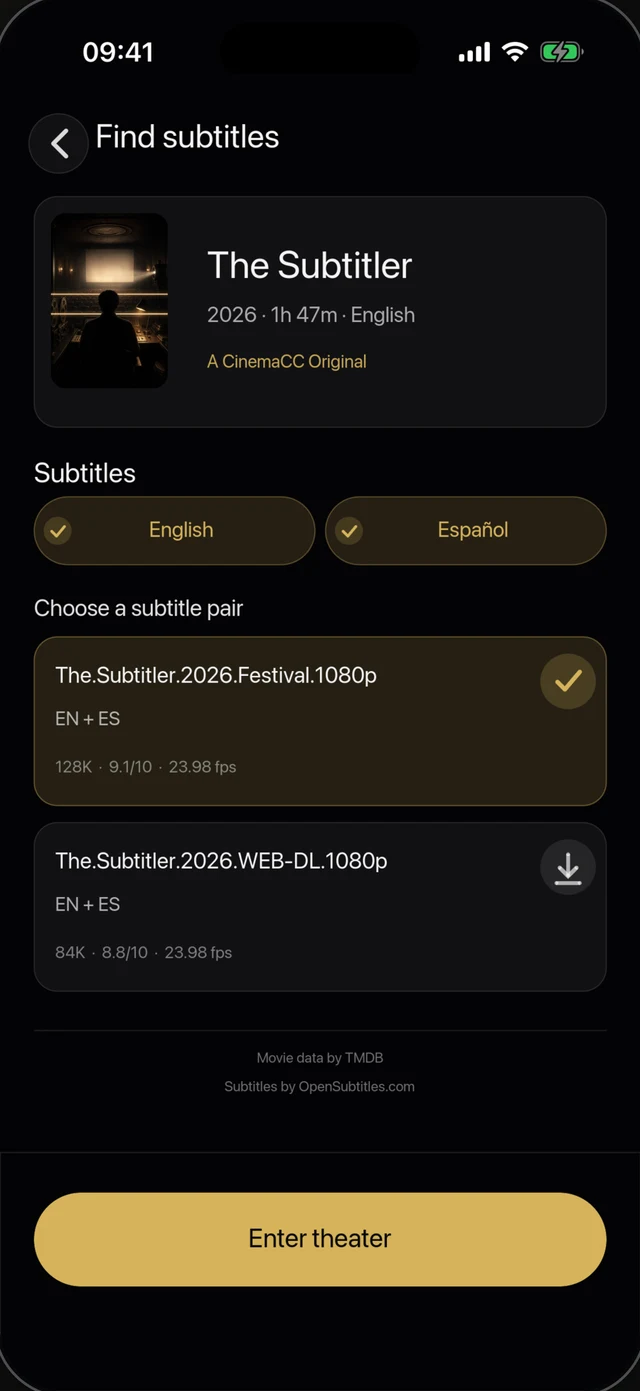
1 · Bring your own SRT file
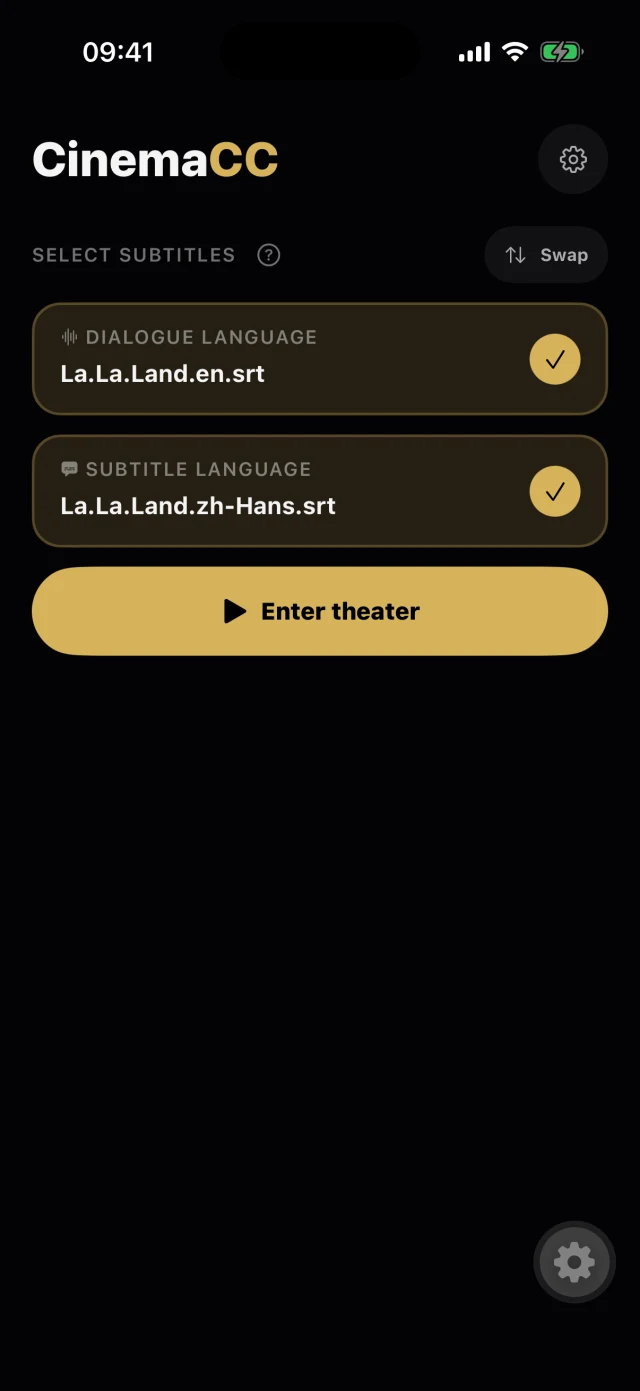
2 · One or two tracks, ready
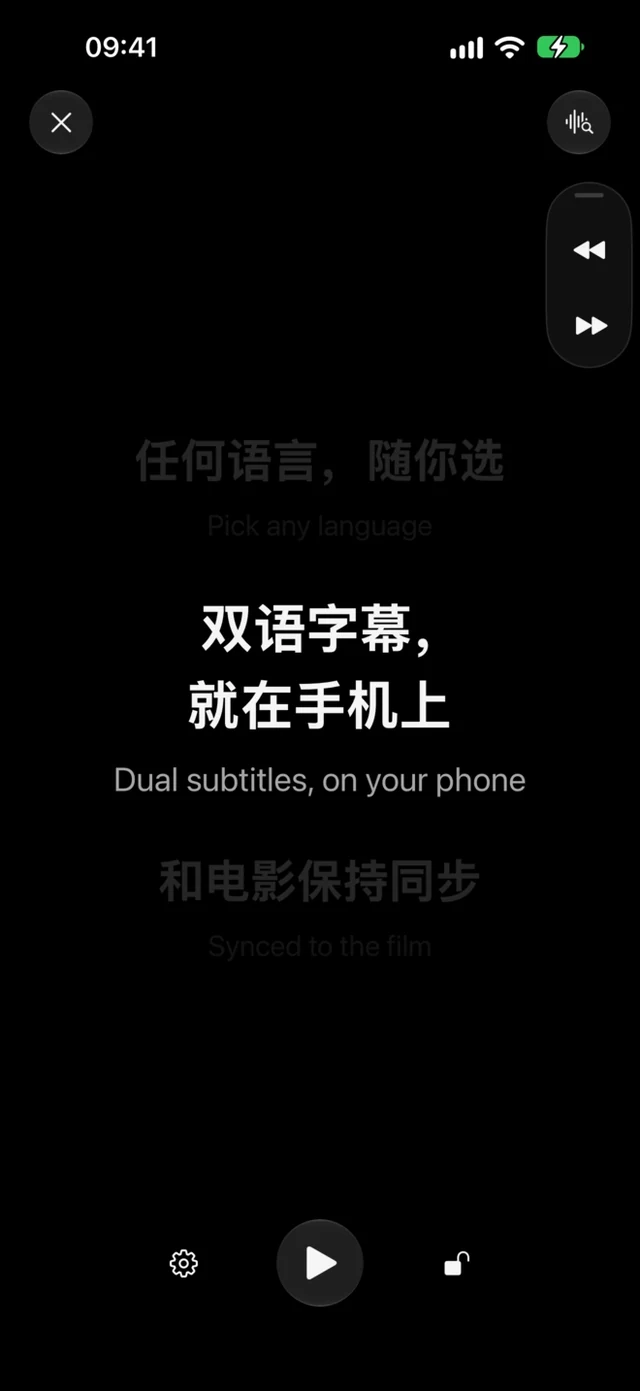
3 · Follow along in the dark
Every chunk reads the same notes
Both mistakes needed context to catch, so we made CinemaCC Subtitle Skill to turn the background research and checks into a repeatable workflow. Before translating, the agent researches the film and records character identities, relationships, places and recurring terms in a context file and glossary. It records the sources and uncertain readings too, rather than assuming the model already knows every film or adaptation.
Every chunk of a long subtitle file uses those same notes. That gives the agent a consistent reference for names and story-specific meanings when the dialogue is split across separate translation passes.
The language and the file are checked separately
The agent reads for meaning
The agent handles dialogue and context. It reviews the source for errors and repairs them before translating, and it leaves uncertain readings for review. Simplified and Traditional Chinese are reviewed separately, not produced through character conversion alone.
Scripts check the file
Python scripts check cue numbering, timestamps, formatting tags and file structure. They can catch damaged SRT structure, but they cannot decide whether Hades means a god or a place in a particular scene. The Skill does not change cue identity or timing unless you authorize the change and provide matching audiovisual evidence.
Before you use it
- The code is free: it is open source under the MIT License.
- Bring your own agent: CinemaCC does not provide a model or translation service. Your agent or model provider may charge for use and has its own privacy terms.
- No subtitles included: the repository contains no commercial film or television subtitles.
- Rights are yours to check: you are responsible for the rights to use, translate or distribute the source and output files.
Links
These links cover the source, installation and published Skill pages.